

- Download the app Planon by Planon International B.V to your mobile phone or tablet.



2. Copy this text: https://portmanestate-prod.planoncloud.com
3. Go to the app from your mobile or tablet (this app is only compatible for mobile and tablet and not suitable for desktop devices)
4. Paste the link that you copied in Step 2 into the Company URL field and click on login

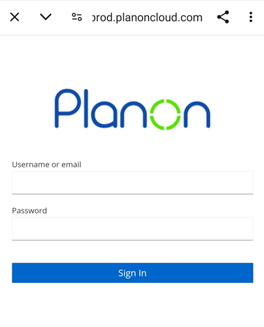
5. Insert your Username – (Please use the username emailed to you)
Password – (Please use the password emailed to you)
Once signed in, you will be presented with the screen below:

